
Access Denied
IMPORTANT! If you’re a store owner, please make sure you have Customer accounts enabled in your Store Admin, as you have customer based locks set up with EasyLockdown app. Enable Customer Accounts
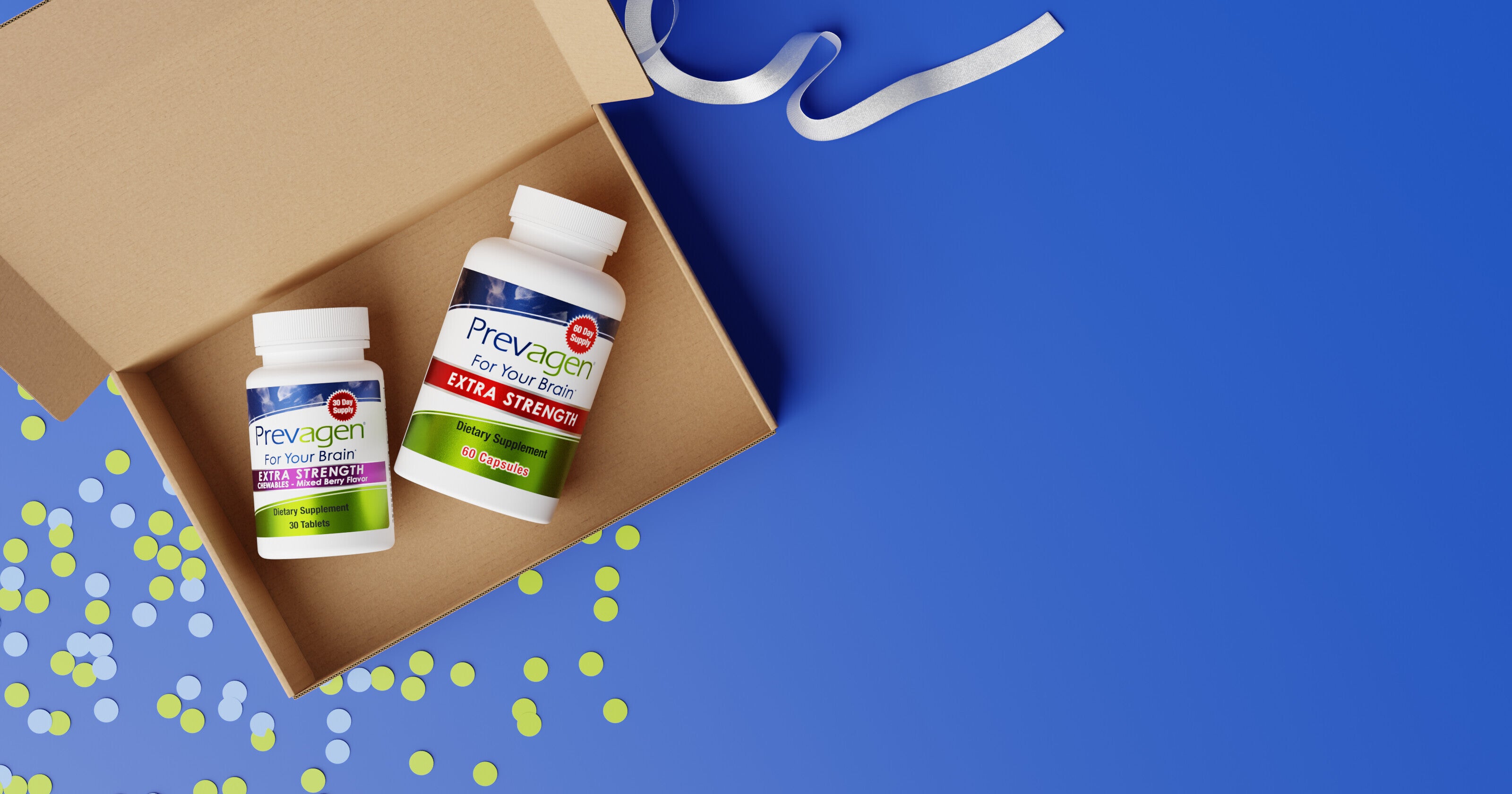
¿Cómo agrego o elimino artículos de mi suscripción de Ahorra y Suscríbete a Prevagen?
Puede agregar nuevos productos o eliminar artículos de su suscripción a Prevagen Suscribirse y Ahorrar en cualquier momento a través de su cuenta en línea, siempre y cuando los cambios se realicen antes de que se procese su próximo pedido.
Prevagen Suscribirse y Ahorrar está diseñado para ser flexible. Si sus necesidades cambian o desea ajustar lo que se incluye en su envío, actualizar su suscripción es sencillo.
Ver: Cómo añadir o eliminar artículos de tu Suscríbete y Ahorra
Este breve video muestra cómo actualizar los productos en tu próximo envío en solo unos pasos.

Prevagen Suscríbete y Ahorra está diseñado para ofrecerte comodidad—no para atarte a nada. Si en algún momento decides que no es para ti, puedes cancelar. Cómo añadir o eliminar artículos
Para actualizar los productos de tu suscripción:
- Inicia sesión en prevagen.com/account
- Haz clic en Gestionar suscripciones
- Selecciona la suscripción que deseas actualizar
- Añade nuevos productos o elimina artículos de tu próximo envío
- Guarda los cambios
Consejo: Asegúrate de realizar los cambios antes de que se procese tu próximo pedido para que tu envío refleje tus actualizaciones.
Cuando los clientes ajustan los artículos de su suscripción
Los clientes suelen añadir o eliminar artículos cuando:
- Prueban un nuevo producto
- Cambian la frecuencia con la que usan Prevagen
- Hacen pedidos para más de una persona
- Ya no necesitan un artículo específico
Todas estas situaciones son normales y fáciles de gestionar.
Nota importante sobre dónde se gestionan las suscripciones
La adición o eliminación de artículos solo está disponible para las suscripciones compradas directamente a través de prevagen.com.
Si tu suscripción a Prevagen se inició a través de otro minorista (como Amazon o Walmart), los cambios de producto deben gestionarse a través de la cuenta o el servicio al cliente de ese minorista.
Si prefieres que te ayuden
Si prefieres no realizar cambios en línea, el equipo de atención al cliente de Prevagen estará encantado de ayudarte a actualizar tu suscripción.
Puedes ponerte en contacto con nuestro servicio de atención al cliente llamando al 877-977-3824
El horario de atención al cliente es de 9:00 a.m. a 5:00 p.m. CST, de lunes a viernes
También puedes comunicarte con nosotros por correo postal a:
8401 Greenway Blvd., Suite 800
Middleton, Wisconsin 53562
O por correo electrónico a: customerservice@prevagen.com
Cómo es una cancelación
No hay:
- Compromisos a largo plazo
- Penalizaciones por cancelar
- Requisito de llamar o explicar por qué
Una vez cancelada, no recibirás futuros envíos ni cargos, siempre y cuando la cancelación se reciba antes de tu próximo envío.
Si has tenido problemas para cancelar suscripciones antes
Muchas personas se preocupan de que los programas de suscripción sean difíciles de cancelar. Prevagen Suscríbete y Ahorra es diferente. Tú tienes el control en todo momento.
Siempre recibirás correos electrónicos de confirmación de pedido y recordatorios, para que sepas lo que viene y puedas realizar cambios antes de que se envíe un pedido.
El equipo de atención al cliente de Prevagen está disponible para ayudarte a cancelar, pausar o responder cualquier pregunta, sin presiones, nunca.
Puedes contactar a nuestro servicio al cliente en: 877-977-3824
El horario de atención al cliente es de 9:00 a.m. a 5:00 p.m.
de lunes a viernes CST.
o por correo postal a: 8401 Greenway Blvd., Suite 800 Middleton, Wisconsin 53562
o envíanos un correo electrónico a: customerservice@prevagen.com.
Volver al
Centro de Ayuda
Centro de Ayuda
¿Listo para simplificar tu rutina?
Únete a nuestro programa Suscríbete y Ahorra y recibe tus productos Prevagen favoritos directamente en tu puerta. Disfruta de comodidad, flexibilidad y ahorros cada mes, sin complicaciones ni estrés.
Suscríbete y Ahorra Hoy →Sin compromiso a largo plazo — cancela en cualquier momento.
Invalid password
Enter
