
Access Denied
IMPORTANT! If you’re a store owner, please make sure you have Customer accounts enabled in your Store Admin, as you have customer based locks set up with EasyLockdown app. Enable Customer Accounts
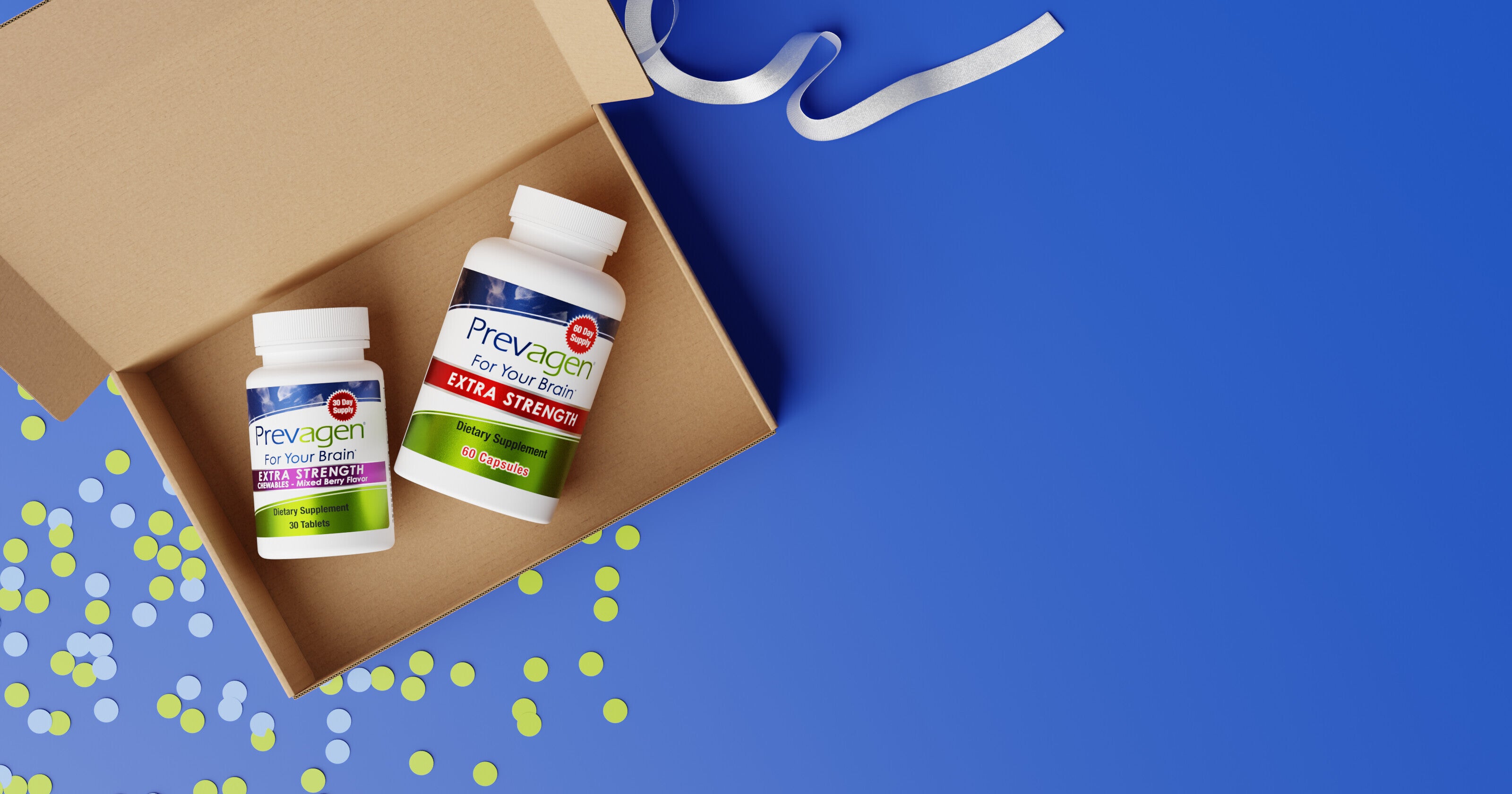
How Do I Change My Shipping Address for Prevagen Subscribe & Save?
You can change the shipping address for your Prevagen Subscribe & Save subscription at any time through your online account, as long as the update is made before your next order processes.
Prevagen Subscribe & Save is designed to stay flexible. If you move, travel, or need shipments sent to a different location, updating your address is quick and easy.
Watch: How to Change Your Shipping Address
This short video shows how to update your shipping address in just a few steps.

How to change your shipping address
To update your shipping address:
- Log in to prevagen.com/account
- Go to Manage Subscriptions
- Select the subscription you want to update
- Click Edit next to the shipping address
- Save your changes
Tip: Be sure to make changes before your next order processes to ensure your shipment is sent to the correct address.
When customers usually update their address
Address changes are common for everyday reasons, including:
- Moving to a new home
- Traveling or seasonal stays
- Sending deliveries to a family member
- Temporary address changes
All of these situations are normal and easy to manage.
Important note about where subscriptions are managed
Shipping address changes can only be made for subscriptions purchased directly through prevagen.com.
If your Prevagen subscription was started through another retailer (such as Amazon or Walmart), address updates must be made through that retailer’s account or customer service.
If you’d rather have help
If you prefer not to update your address online, Prevagen’s customer care team is happy to assist.
You can contact our customer service at 877-977-3824
Customer service hours are 9:00 a.m. – 5:00 p.m. CST, Monday through Friday
You may also reach us by mail at:
8401 Greenway Blvd., Suite 800
Middleton, Wisconsin 53562
Or by email at: customerservice@prevagen.com
Back to
Help Center
Help Center
Ready to Simplify Your Routine?
Join our Subscribe & Save program and have your favorite Prevagen products delivered right to your door. Enjoy convenience, flexibility, and savings every month—no hassle, no stress.
Subscribe & Save Today →No long-term commitment — cancel anytime.
Invalid password
Enter
